How to read the Contingencias storm radar
This guide explains what the radar shows, where its data comes from, how to read the colours and what its limits are, so you know what to expect from the map before you use it.
Where the data comes from
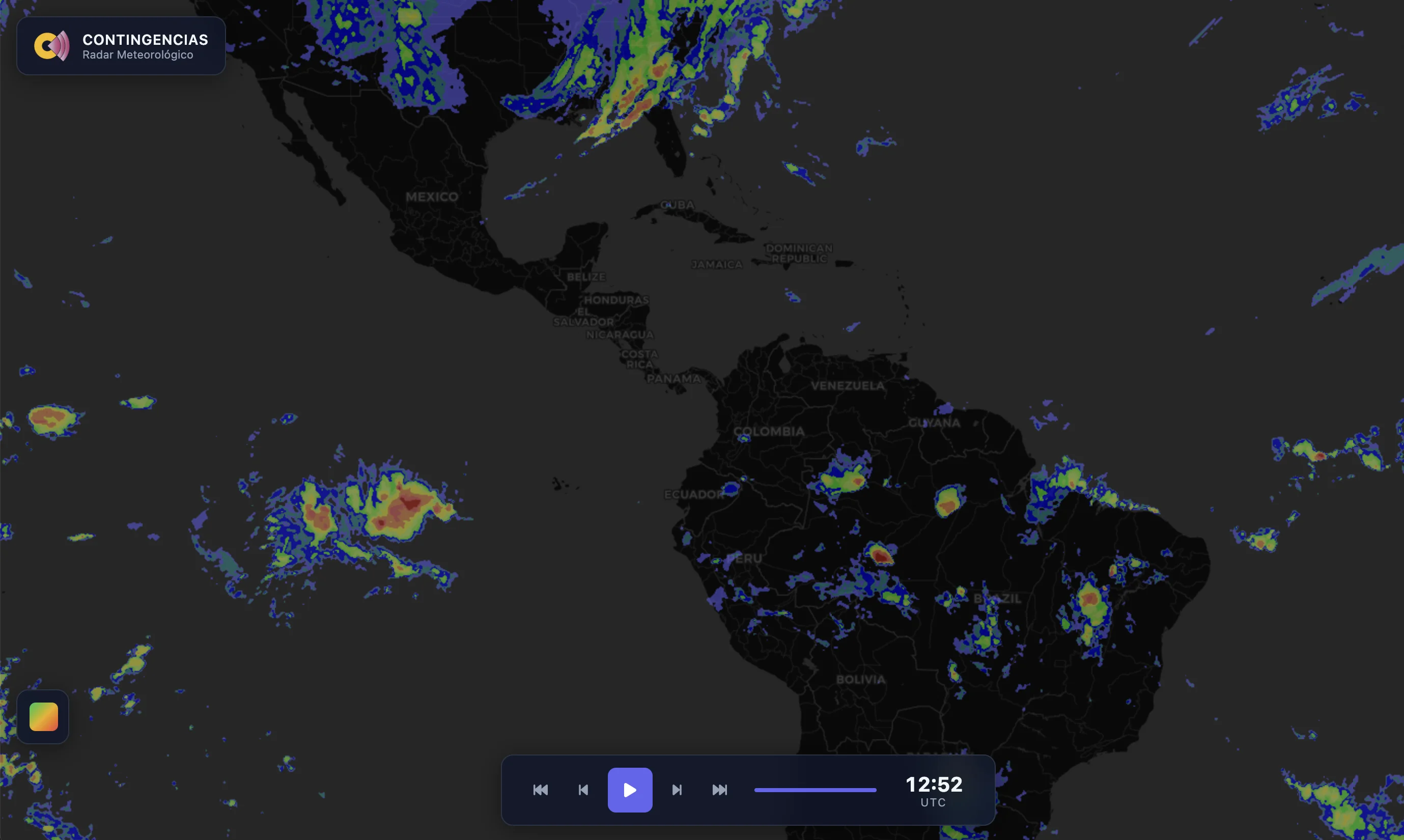
The radar is a layer of the Contingencias map and it uses a different source depending on where you are looking. Across most of the Americas it is built from infrared images of the GOES-19 satellite, from NOAA. In Europe it uses OPERA, the ground radar composite from EUMETNET, where there is coverage. In the rest of the world it uses other radar sources, such as RainViewer. The map switches source by itself, depending on the area on screen.
How to read the colours
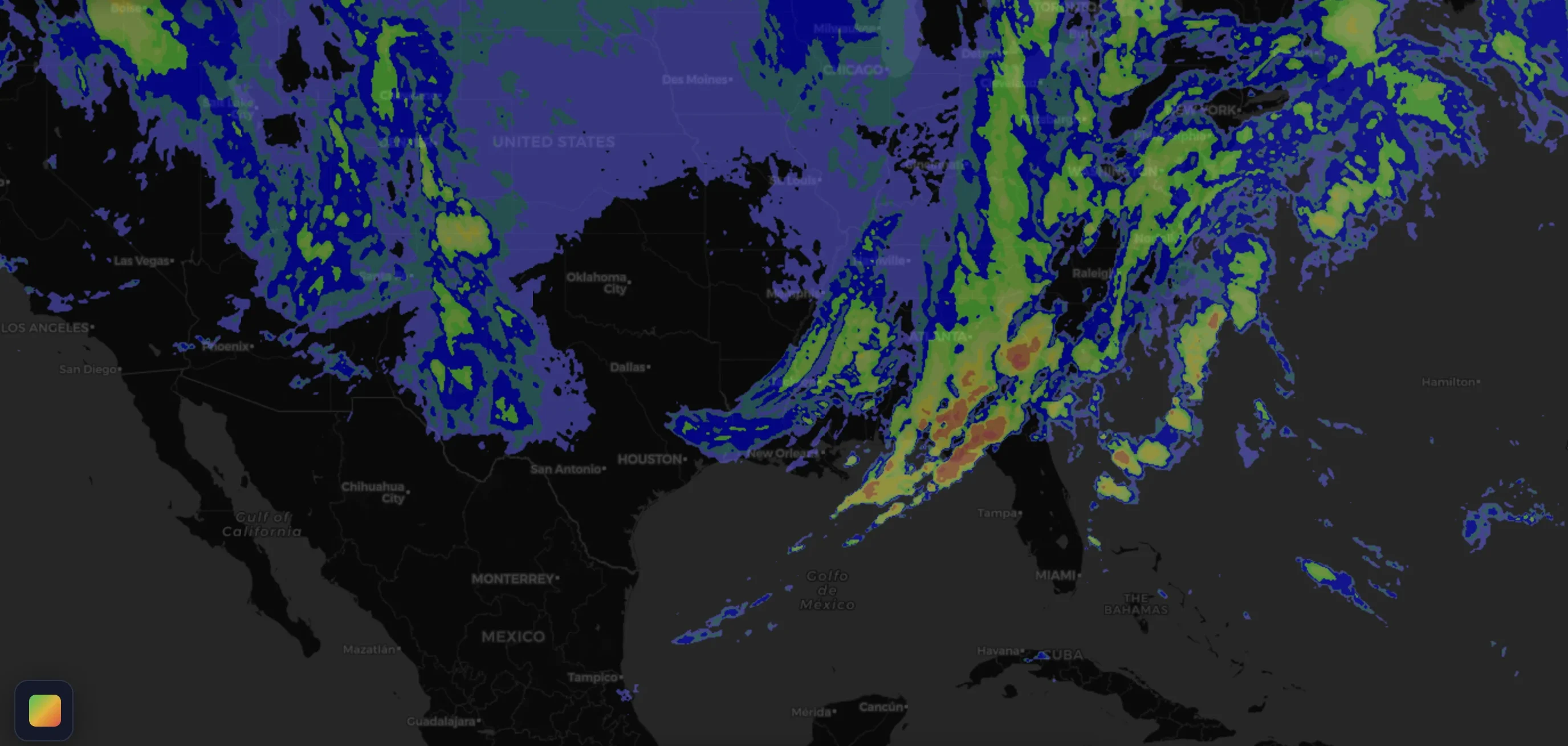
The layer has seven intensity levels, from blue to dark red: very weak, weak, light, moderate, strong, very strong and extreme. Blues and greens mean low intensity; yellow and orange, medium to high intensity; reds, the highest. Where the source is a satellite, intensity is an estimate based on the temperature of the cloud tops. Where there is ground radar, it comes from what the radar measures.
The other layers
Besides rain, the map has an infrared satellite layer in the Americas, which shows high, cold clouds, a lightning layer and a frost risk layer. Lightning comes from the GLM sensor on GOES-19 in the Americas and from the MTG-LI sensor from EUMETSAT in Europe, Africa, the Middle East and India. Frost is a forecast from NOAA's GFS model and is available worldwide.
How often it updates
The radar updates about every 10 minutes and the map keeps the latest frames, so you can play the animation and see where the rain is moving. Lightning updates every few minutes. What you see is always a few minutes behind what is happening over your head.
What its limits are
Where the source is a satellite, the Contingencias radar is not a Doppler radar: it does not measure wind inside the storm and intensity is an estimate. It does not measure hail or confirm that it fell either. It shows what is happening now or a few minutes ago; it is not a forecast. Contingencias is an independent app and this radar is not the radar of any government agency. For official warnings, check your national weather service.
How to use it
Move the map to your area, play the animation to see the recent path of storms and switch layers to compare clouds, lightning and frost. If you want an alert when a severe storm is near your location, see Vigía alerts. The radar map and Vigía alerts are Premium features.